
WinSCP for Mac: A Native SFTP/FTP Alternative with Remote File Editing
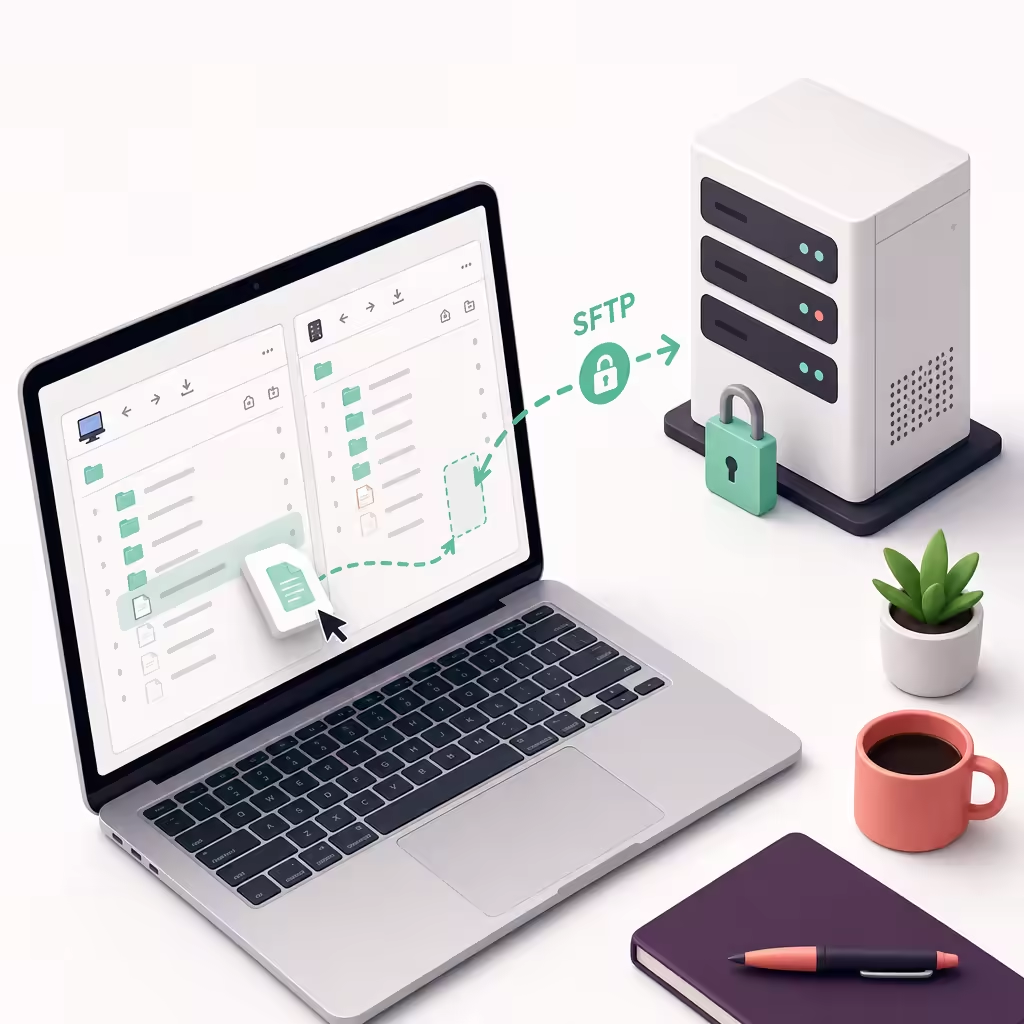
For developers who have long used Windows for server administration, WinSCP is a very familiar file transfer tool.
It provides an intuitive graphical interface for connecting to remote servers through multiple protocols:
- SFTP
- FTP
- SCP
- WebDAV
- S3
Common everyday use cases include:
- Uploading and downloading server files
- Synchronizing local and remote directories
- Editing configuration files on servers
- Saving connection details for multiple servers
- Running automated file transfer tasks
On Windows, WinSCP’s workflow is well suited to development and operations work. However, after moving their development environment to macOS, many users discover that WinSCP does not offer an official native Mac version and need to find an alternative that fits the macOS workflow.
Why Mac Users Need WinSCP-Like Tools
macOS includes Terminal, allowing developers to manage remote files through SSH and command-line tools such as:
scpsftprsync
These tools are extremely powerful, but graphical file management still offers clear advantages in some everyday development scenarios.
For example, maintaining a Linux server often involves:
- Quickly viewing the remote directory structure
- Uploading a few updated files
- Editing project configuration
- Comparing local and server files
- Managing resources across multiple environments
If you need to perform these tasks every day, a clear file-browsing interface can reduce the time spent repeatedly entering commands.
What to Look for in a WinSCP Alternative for Mac
Remote file management requirements vary across development scenarios. When choosing a tool, consider focusing on the following areas.
Support for Common File Transfer Protocols
Server environments are often complex. A tool that supports more protocols can reduce the need to switch between applications:
- SFTP: The most common option for Linux servers today
- FTP/FTPS: Still used in traditional server environments
- SCP: For quickly copying remote files
- WebDAV and S3: Suitable for certain cloud storage scenarios
Graphical Remote File Management
For developers who maintain servers frequently, a graphical interface can make it easier to:
- Browse local and remote files
- Upload and download files using drag and drop
- Perform batch file operations
- Edit remote files
This is also one of the main reasons many users are accustomed to WinSCP.
Centralized Management of Multiple Server Connections
In real-world development, you often need to connect to:
- Test servers
- Production environments
- Cloud servers
- Environments for different client projects
The ability to save connection settings and switch quickly between servers directly affects everyday productivity.
How DartShell Helps Mac Users Manage Remote Files
To meet the needs of macOS users working in remote development and server maintenance, DartShell integrates graphical SFTP and FTP file management.
Within a single workflow, you can:
- Connect to servers via SSH
- Browse remote files
- Upload and download resources
- Manage multiple remote connections
For users accustomed to the WinSCP workflow, this graphical file management experience can reduce the learning curve when moving from Windows to Mac.This is especially useful for website deployment, server maintenance, remote development, and similar scenarios. By eliminating the need to switch frequently between multiple tools, DartShell helps maintain a more seamless workflow.
Conclusion
WinSCP has long been popular among developers and operations professionals on Windows, primarily because it combines remote connections with file management.
After moving to Mac, you can choose the right tool based on your workflow:
- For occasional file transfers, choose a lightweight SFTP client
- For frequent server maintenance, choose an all-in-one tool that supports SSH and SFTP
- For managing multiple environments, prioritize connection management capabilities
For anyone who regularly handles server development and operations on macOS, a stable and efficient remote file management tool can make everyday work much smoother.
DartShell
Want a smoother remote ops workflow on macOS?
DartShell brings SSH, RDP, VNC, SFTP, and serial access together in one native macOS app, so you can reduce tool switching and repetitive setup.
Download DartShell