Is Your macOS Remote Maintenance Tool Too Heavy? Maybe You Need a Lighter, More Intuitive Alternative
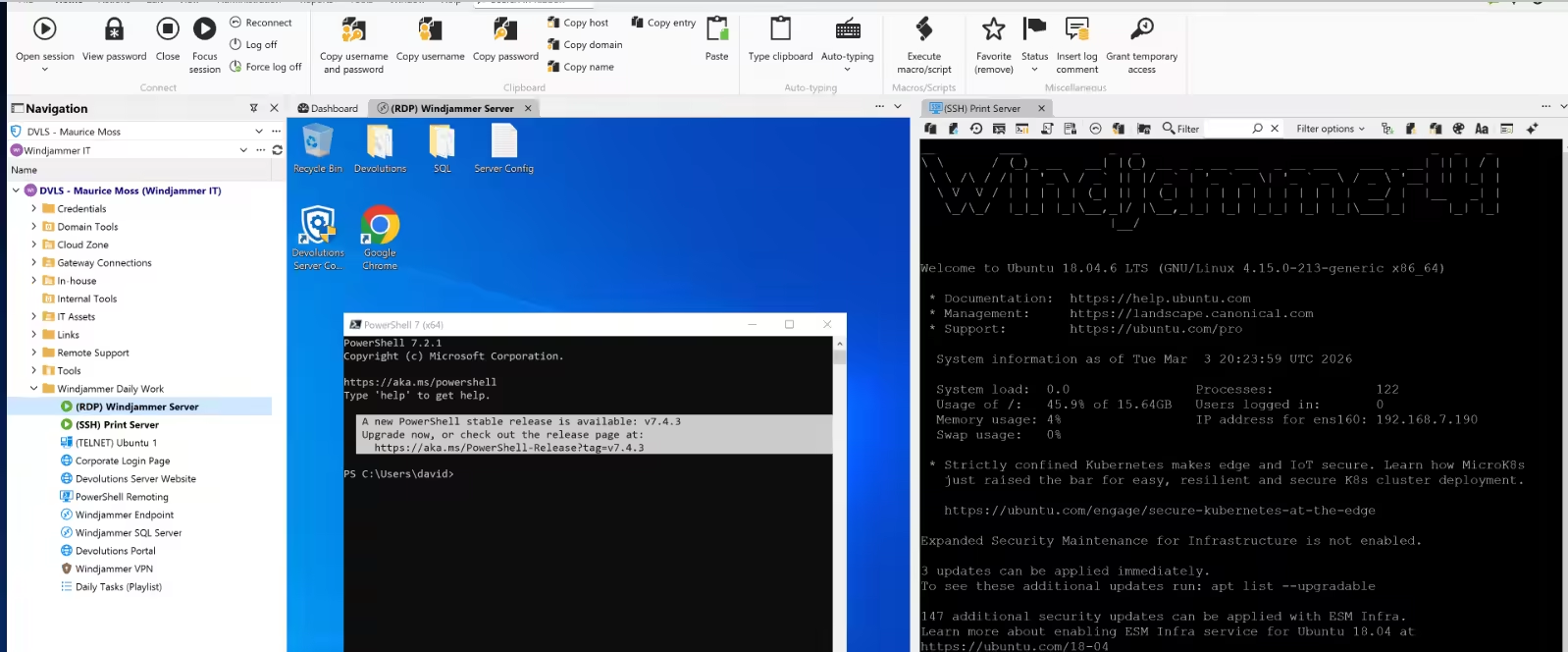
Many people doing remote operations on macOS have come across RDM or Royal TSX. Their shared characteristics are clear: broad feature coverage, support for many protocols, and suitability for centralized management in complex environments. For teams that need to maintain large numbers of servers, databases, remote desktops, and various connection assets at the same time, products like these do have their place.
But the real problems are also common: the more features there are, the more entry points there are; the deeper the configuration hierarchy, the harder it is to know where to start the first time you open the app. Many users' immediate reaction is not "powerful," but rather "I spent ages trying to figure it out and still didn't know how to get started; I couldn't make sense of it; the interface is too complex; the workflow is too cumbersome." This is not an isolated experience, but a point of friction many macOS users encounter in their daily workflows.
Powerful Features Do Not Mean Easy Onboarding
The strengths of RDM and Royal TSX usually show up in areas like unified management, protocol integration, permission control, connection organization, and team collaboration. In large IT environments, these capabilities have real value.
But if your daily work is more about frequent SSH logins, quickly switching between servers, troubleshooting production issues on the fly, checking logs, and running common commands, then "more features" does not necessarily mean "higher efficiency." What you really need is often not a massive control console, but a tool that lets you connect as soon as you open it, use it as soon as you connect, and work without breaking your train of thought.
What Really Gets People Stuck Is Usually Not Connection Capability
The problem with many remote tools is not that they cannot get things done, but that before doing even a small task, you first have to understand too many concepts. You have to create connections, set up groups, fill in configurations, understand the menus, and then adapt to a whole interaction model that does not match typical macOS habits. In operations scenarios that require fast response, this extra burden keeps piling up.
This difference becomes especially obvious in situations like these:
- Taking over a new machine temporarily and wanting to log in immediately for troubleshooting
- Switching between multiple servers at the same time to check the status of different environments
- Running commands frequently, reading logs, and changing configurations without wanting to be interrupted by a complex interface
- Only wanting to complete a single remote connection, but getting wrapped in overly heavy management logic
At the end of the day, these issues are not about "whether you know how to use it," but "whether it is worth spending this much effort to use it."
Why More and More macOS Users Are Looking for Lighter Alternatives
For many developers, SREs, and operations engineers, an ideal tool should not start by saying "I have a lot of features." It should first achieve "I won't slow you down." That is exactly where lightweight alternatives become genuinely appealing.
By comparison, DartShell is closer to the usage patterns macOS users are familiar with: a cleaner interface, a more direct workflow, and the ability to enter real work quickly after installation. Instead of piling complexity in front of you, it prioritizes solving the most common and highest-frequency remote connection needs while keeping the learning curve very low.
What an Experience Better Suited to Everyday Remote Work Should Look Like
For a macOS remote tool that is suitable for long-term use, the key is not just whether it can manage many connections, but whether those connections can be used naturally. Opening the app, finding the target host, establishing the connection, and starting work: this process should be as short and smooth as possible.
As a native macOS app, DartShell places greater emphasis on being native, consistent, and ready to use out of the box. For users who want to reduce configuration overhead, lower the barrier to entry, and put their attention back on the actual task itself, this product direction is usually much closer to everyday needs.
Not Everyone Needs a "Heavier" Tool
If your environment truly depends on large-scale connection asset management, complex permission systems, and highly customized configurations, RDM or Royal TSX are still valid options. But if what you care about more is connecting faster, spending less time learning, having an interface that better matches macOS intuition, and making day-to-day work smoother, then a lighter alternative is often the better fit.
Choosing a tool is ultimately not about comparing whose feature list is longer, but about deciding which one better matches your real working rhythm. For many macOS users, remote operations do not require a complex system, only a tool that is intuitive enough, stable enough, and natural enough to use. That is exactly the kind of problem DartShell is trying to solve. If you want to learn more about its positioning and real-world experience, you can visit the DartShell website.
DartShell
Want a smoother remote ops workflow on macOS?
DartShell brings SSH, RDP, VNC, SFTP, and serial access together in one native macOS app, so you can reduce tool switching and repetitive setup.
Download DartShell