
Looking for a SecureCRT alternative? A better fit for macOS
If you want a more modern SecureCRT alternative for macOS, this guide explains why DartShell may be a better match for your current remote workflow.
If you used SecureCRT for years and later moved your main workflow to macOS, you have probably felt the same tension: the tool is still powerful, but the experience no longer matches how you want to work today.
That does not mean SecureCRT became a bad product. It usually means your priorities changed from pure feature depth to speed, simplicity, and a cleaner remote workflow.
Why SecureCRT stayed popular for so long
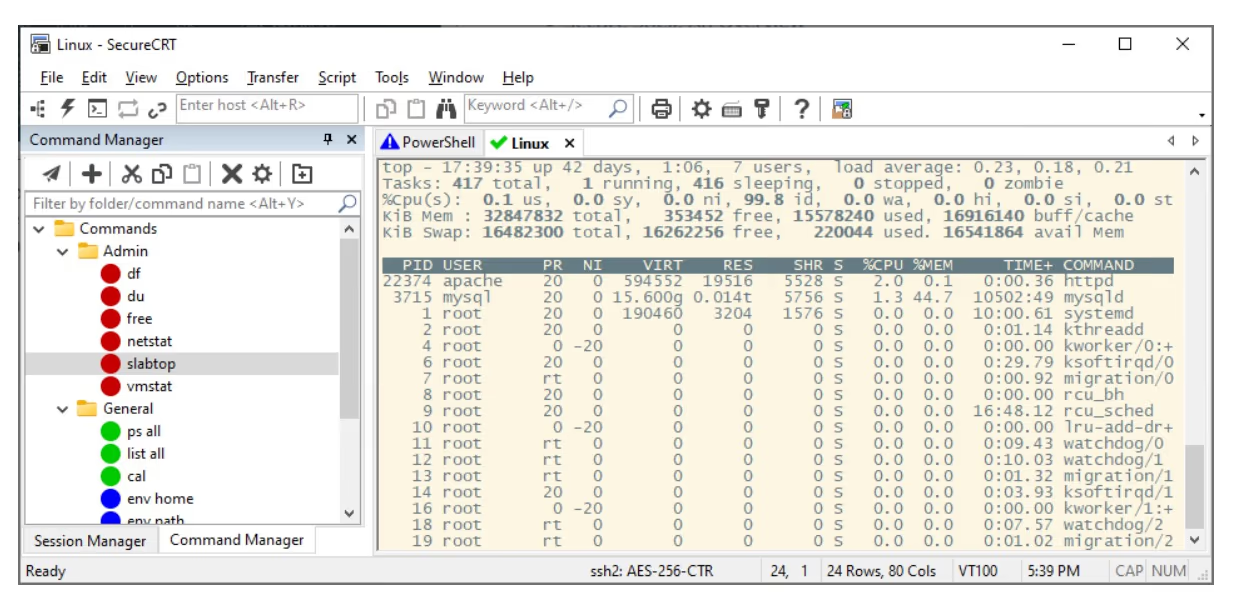
For many developers and ops engineers, SecureCRT was the first serious remote access tool they relied on. It earned that position by being stable, capable, and dependable in day-to-day server work.
If your priority is traditional session management and battle-tested connectivity, it still holds up well.
- Supports SSH, Telnet, and Serial connections
- Strong session management for long-term server maintenance
- Powerful scripting and automation support
- High stability with a long-standing reputation
The issue is not quality. The issue is weight.
Once your main environment becomes macOS, you start evaluating tools differently. SecureCRT still works on Mac, but it feels more like a mature cross-platform utility than a native Mac-first application.
That difference rarely shows up in whether it can connect. It shows up in the small actions you repeat dozens of times every day.
- The interface feels more traditional than Mac-native
- Configuration layers can feel heavier than necessary
- Many workflows are possible, but not especially streamlined
- It feels closer to a classic terminal utility than a modern workspace
On macOS, what many users really want is a smoother workflow
Remote work today is rarely just SSH. You may also need remote desktop access, file transfer, and sometimes database connections. When those tasks are spread across multiple tools, the workflow becomes fragmented.
That is why a real alternative is not just another SSH client. It should be a lighter, more integrated remote workspace that fits how Mac users actually work.
What you need may not be a clone of SecureCRT. You may need a better tool for your current stage of work.
Why DartShell is a strong SecureCRT alternative on macOS
DartShell feels like a remote management experience reorganized for macOS users. It keeps the capabilities people need most, while making the interface and flow lighter and more direct.
For people already comfortable in the Apple ecosystem, that difference is not cosmetic. It changes how quickly work gets done.
- A more native macOS look and interaction style
- Support for SSH, RDP, VNC, and SFTP/FTP workflows
- Lighter setup and lower friction
- A better way to centralize remote tasks in one workspace
How to evaluate a SecureCRT replacement
If your priority now is efficiency instead of legacy habits, start with a simple checklist before switching tools.
- Is it truly designed for macOS rather than simply available on Mac?
- Can it reduce setup overhead and tool switching?
- Does it cover common remote tasks beyond SSH?
- Will it shorten your daily workflow instead of adding more layers?
Bottom line
SecureCRT is still a strong and respected tool. That part is not in question. But if you now work mainly on macOS and want something more modern, lighter, and more integrated, DartShell is worth serious consideration.
Tools are not about right or wrong. They are about fit. If your work has shifted from feature-heavy tooling to faster, cleaner workflows, trying DartShell makes sense.
DartShell
Want a more Mac-native remote workflow?
Try DartShell and see whether it fits your current way of working better than traditional SSH tools.
Download DartShell