Mac Remote Desktop Manager: How to Manage RDP, VNC, and SSH in One App
For engineers who use a Mac for development and operations, remote connectivity is an essential daily requirement.
A typical work environment may involve multiple systems:
Linux servers need to be managed via SSH;Windows servers require RDP for remote desktop access;Some Linux environments require graphical access via VNC;Network devices may still rely on Telnet;Debugging development boards or hardware devices requires serial port connections.
Each of these protocols solves a different problem. However, when they coexist in the same work environment, managing these connections efficiently becomes a key factor in developer productivity.
Why Remote Management on Mac Is Becoming Increasingly Complex
When many developers first start using a Mac, an SSH tool is often all they need.
For example:
- Logging in to cloud servers;
- Viewing service logs;
- Running deployment commands;
- Troubleshooting production issues.
However, as projects grow, development environments often evolve into hybrid architectures:
- Backend services run on Linux;
- Test environments may use Windows;
- Internal infrastructure includes various network devices;
- Hardware development requires serial debugging.
At this point, a single protocol can no longer cover every scenario.Different devices require different connection methods, which also means maintaining multiple clients.
The Traditional Approach: Installing a Different Remote Tool for Each Protocol
The most common approach is to install a tool whenever a particular protocol is needed.
SSH: Managing Linux Servers
macOS includes OpenSSH, allowing you to connect directly to Linux from the terminal:
ssh user@server
It is stable and highly compatible.
However, as the number of servers grows, several problems arise in real-world development environments:
- Multiple server addresses become difficult to manage;
- Different environments are easily confused;
- Connection records become scattered;
- Terminal windows must be opened frequently.
RDP: Connecting to Windows Environments
Windows Remote Desktop typically uses the RDP protocol.
Common use cases include:
- Windows Server;
- Internal enterprise systems;
- Test environments.
Mac users need to install a separate RDP client to manage these environments.
VNC: Accessing Linux Graphical Interfaces
Some Linux environments require graphical interaction in addition to the command line.
For example:
- Remote desktop administration;
- GUI application testing;
- Graphical configuration.
These needs are typically handled through VNC.
Telnet and Serial: Connecting to Specialized Devices
Beyond servers, some devices still rely on traditional protocols:
- Network switches;
- Routing equipment;
- Industrial equipment;
- Development boards.
These scenarios may require:
- Telnet;
- Serial connections.
Although they are used less frequently than SSH, they remain indispensable in real-world engineering environments.
What Problems Can Unified Multi-Protocol Management Solve?
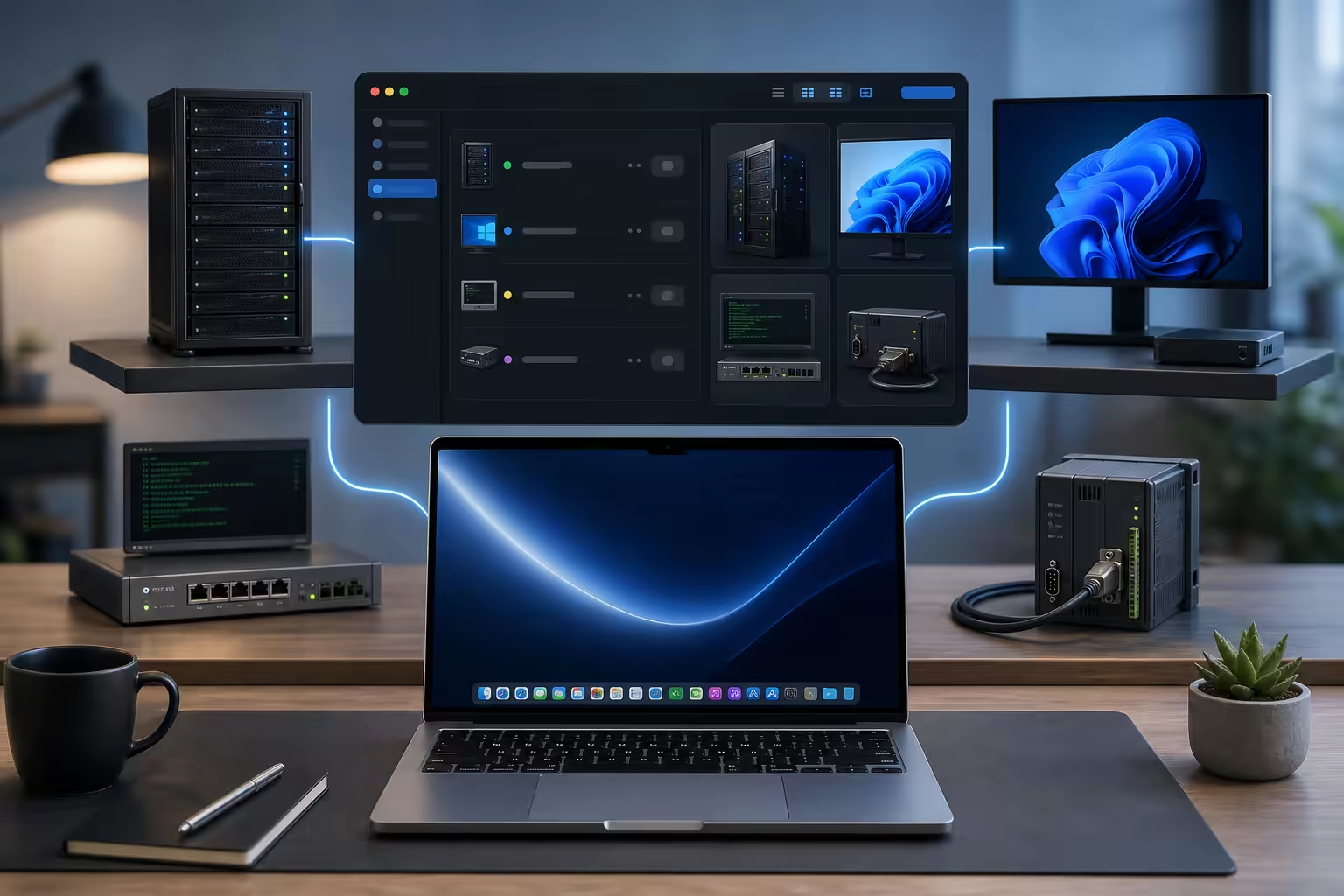
As the number of connection targets grows, the core requirement shifts from “how to connect” to “how to manage connections.”A more efficient approach is to use a unified remote management tool that supports multiple protocols.
DartShell is designed to help Mac users centrally manage common remote connections.
It supports:
- SSH;
- RDP;
- VNC;
- Telnet;
- Serial;
- SFTP and other protocols.
Unified management reduces the cost of switching between multiple clients.
Its main advantages include:
Centrally Stored Connection Configurations
Server addresses, connection parameters, and device information can all be managed in one place.There is no need to search for previous connections across multiple applications.
A Unified Gateway for Remote Work
Whether the target is Linux, Windows, or another type of device, it can be managed through the same application.
Better Suited to Complex Development Environments
Modern development environments typically involve a wide range of technologies:
- Cloud servers;
- Local test environments;
- Internal enterprise systems;
- Network infrastructure;
- Hardware devices.
Multi-protocol support can cover these real-world workflows.
How to Choose the Right Remote Management Approach for Your Mac
Different working styles call for different solutions.
Managing Only a Few Linux Servers
If your main tasks are:
- Logging in via SSH;
- Running commands;
- Viewing logs;
command-line SSH is already sufficient.
Managing Multiple Environments Every Day
If your daily work involves:
- Multiple servers;
- Windows test environments;
- Network devices;
- Serial debugging;
a unified remote management tool is better suited to long-term use.
Maintaining Development Infrastructure Over the Long Term
For development teams and operations professionals, connection configurations are valuable assets in their own right.Unified management can reduce the cost of switching between environments and make remote workflows more reliable.
Conclusion
As a development device, the Mac supports a wide range of workflows, but real-world environments often involve multiple platforms and protocols.SSH, RDP, VNC, Telnet, and Serial each have their own use cases.As remote connection needs grow, a multi-protocol remote management tool can help developers spend less time switching between tools and focus more on development and operations.
DartShell is designed around this need, providing Mac users with a more unified and efficient remote connection management experience.
DartShell
Want a smoother remote ops workflow on macOS?
DartShell brings SSH, RDP, VNC, SFTP, and serial access together in one native macOS app, so you can reduce tool switching and repetitive setup.
Download DartShell