Best Mac VNC client options in 2026 for modern remote work
If you need a VNC client on macOS, this guide compares the built-in Mac option, dedicated VNC tools, and integrated remote management software to help you choose the right workflow.
VNC still matters in day-to-day operations work. Compared with RDP, it remains easier to deploy across platforms and is often more useful in shared desktop or teaching scenarios.
If you are looking for a VNC client on Mac, the real decision is often not about one specific app name. It is about choosing the kind of workflow that fits your remote work best.
Why VNC still matters
RDP gets more attention in many discussions, but VNC still serves a real purpose. It works across Linux, Windows, and macOS, and it remains common in collaboration, support, and shared desktop use cases.
For operators and developers, the value of VNC is not just remote viewing. It is also that VNC often appears alongside SSH, file transfer, and other remote management tasks.
- Useful for shared desktop scenarios
- Strong cross-platform compatibility
- Relatively easy to deploy
- Still common in support and teaching workflows
Option 1: use the built-in macOS Screen Sharing client
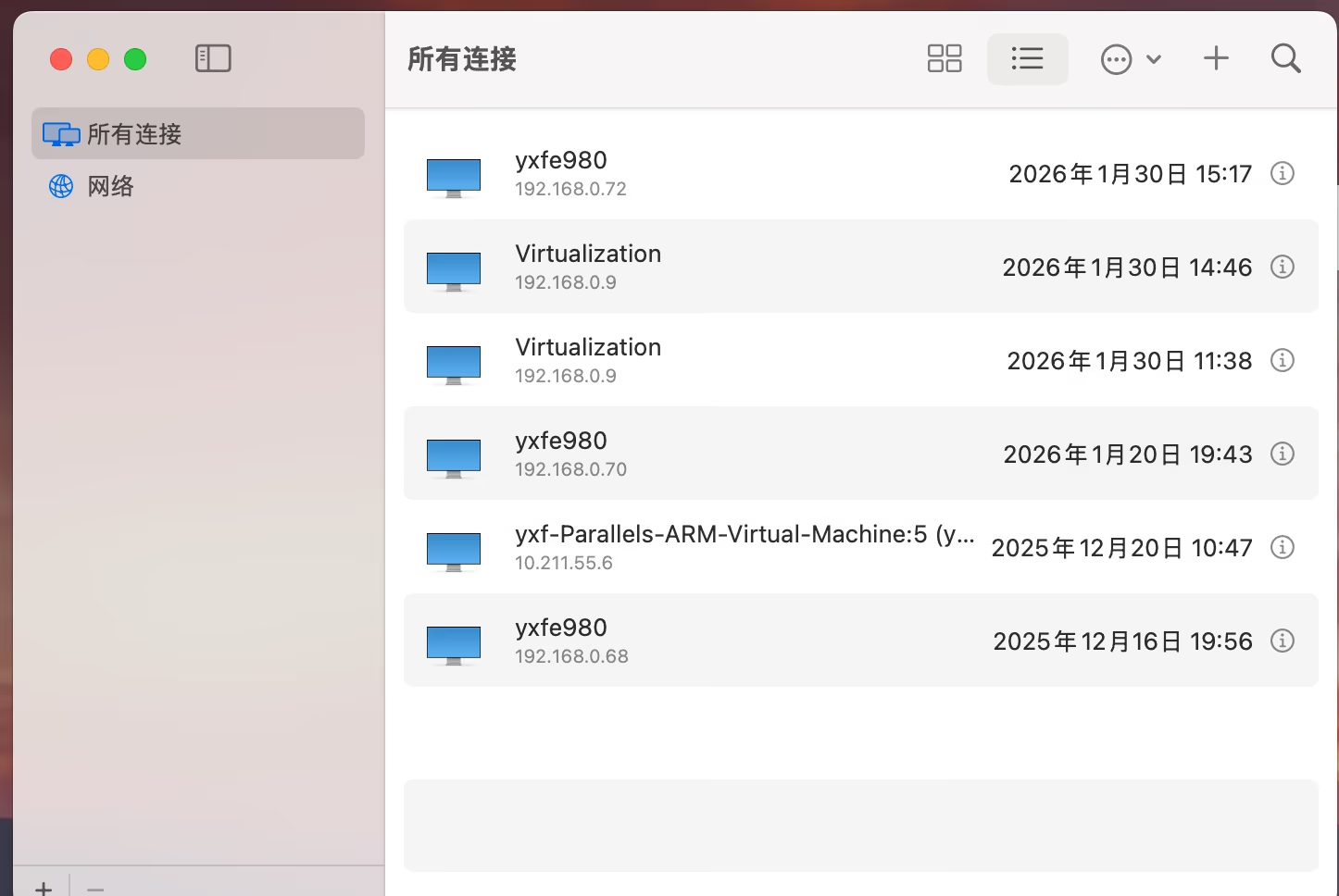
A lot of Mac users overlook this: macOS already includes a VNC client. If you open a `vnc://` address, Screen Sharing can handle the connection without requiring another app.
If your need is occasional and lightweight, the built-in option is often enough and has almost no setup cost.
- No extra installation required
- Simple for quick one-off access
- Works well for low-frequency VNC use
- Less suitable for long-term host management
Option 2: use a dedicated VNC client
If you use VNC regularly, a dedicated VNC client will usually feel more complete than the built-in Mac option. These tools often provide saved hosts, fullscreen mode, clipboard sync, and more convenient session handling.
The limitation is also straightforward: most of these tools focus only on VNC. If your workflow also involves SSH, RDP, and file transfer, the number of separate tools grows quickly.
- Better for heavy VNC usage
- Usually offers stronger host management
- Best for single-protocol workflows
- Can become fragmented in multi-protocol operations work
Option 3: use an integrated remote management tool
For operations teams and solo admins, the more efficient answer is often not another standalone VNC tool. It is putting VNC inside a broader remote management workflow.
In real environments, a machine often already has SSH credentials configured, and the same machine may also expose VNC. Re-entering the same host information in another app is unnecessary friction.
In operations work, the real question is not whether a tool supports VNC. It is whether VNC fits naturally into the rest of your remote workflow.
Why DartShell works well for VNC-heavy operations workflows
DartShell is not valuable simply because it supports VNC. Its real value is that SSH, RDP, VNC, and SFTP live inside one Mac-native workflow.
If you already have SSH host information, being able to switch to VNC, reuse connection context, and manage everything in one host list is often far more efficient than juggling separate apps.
- Supports SSH, Serial, RDP, VNC, Telnet, and SFTP
- Keeps hosts and connection details in one place
- Better for multi-protocol operations work
- Reduces repeated setup overhead
How to choose
If you only need occasional desktop access, the built-in Mac solution is usually enough. If VNC is your main protocol, a dedicated VNC client may be the right answer.
But if your day-to-day work includes SSH, remote desktop, and file transfer together, an integrated tool will usually create a better overall workflow.
- Occasional access: start with built-in Screen Sharing
- Heavy VNC usage: consider a dedicated VNC client
- Multi-protocol remote operations: prefer an integrated tool
Bottom line
Choosing a Mac VNC client is really about choosing the workflow you want, not just the feature list of one app.
If you want something that fits real operations work more closely, managing VNC as part of a unified remote toolset is usually the stronger long-term choice.
DartShell
Want VNC inside a unified remote workflow?
Use DartShell to manage SSH, RDP, VNC, and file transfer in one place instead of switching tools all day.
Download DartShell